Every agent has a desk.
Supported sessions become characters that write, read, and work as activity changes. The project sidebar keeps sessions easy to find.
MEET PIXEL AGENTS
Your coding agents have a place to work. Follow their activity in a tiny pixel art office, with the useful details right beside it.
Download for Mac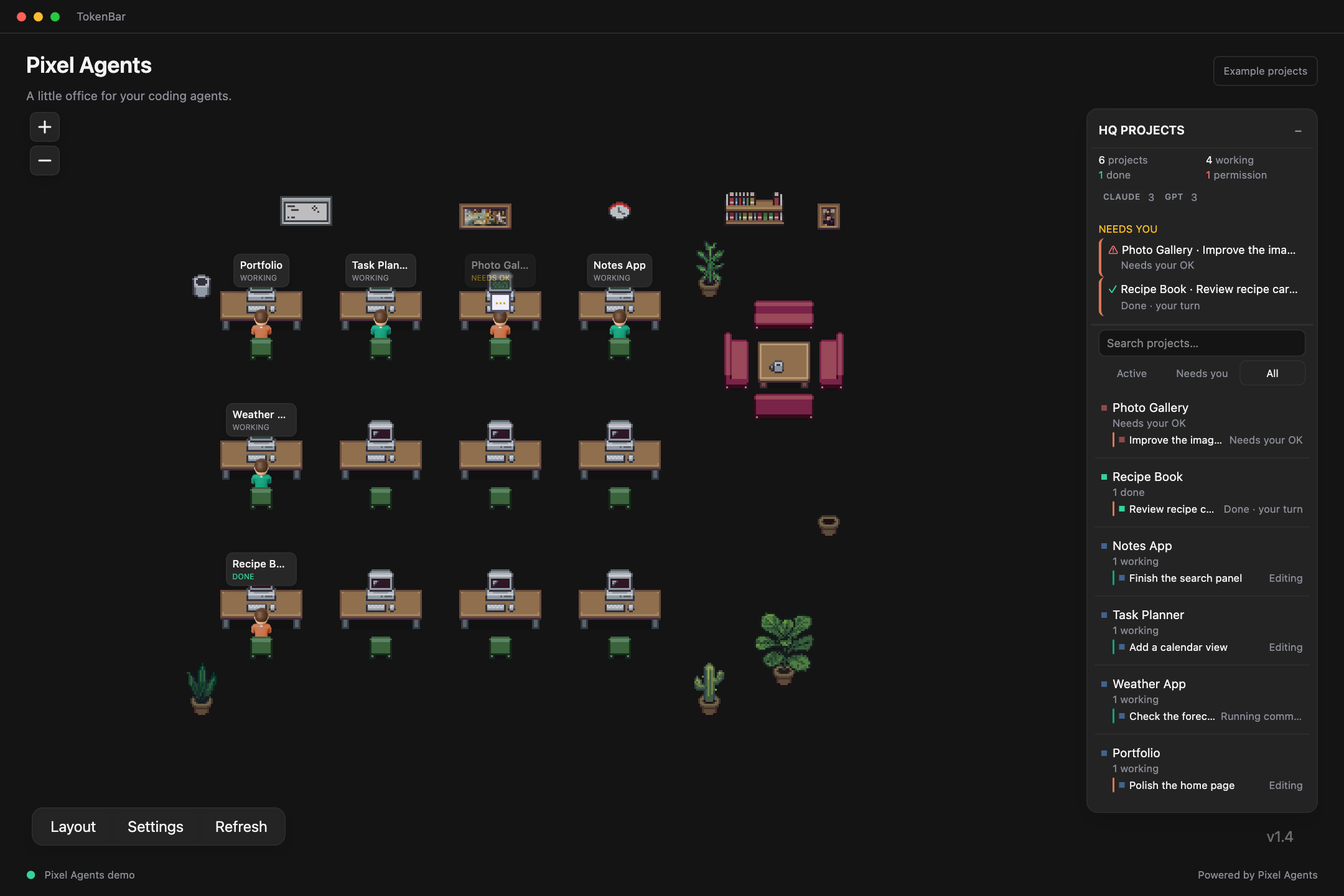
A WORKSPACE WITH A PULSE
Supported sessions become characters that write, read, and work as activity changes. The project sidebar keeps sessions easy to find.
See when a turn is done or a session is waiting for approval. Bring those projects forward with the attention filter.
TokenBar also offers configurable agent notifications for supported integrations, including finished tasks, input requests, and stalls. Set event preferences and cooldowns in the app.
SET THE SCENE
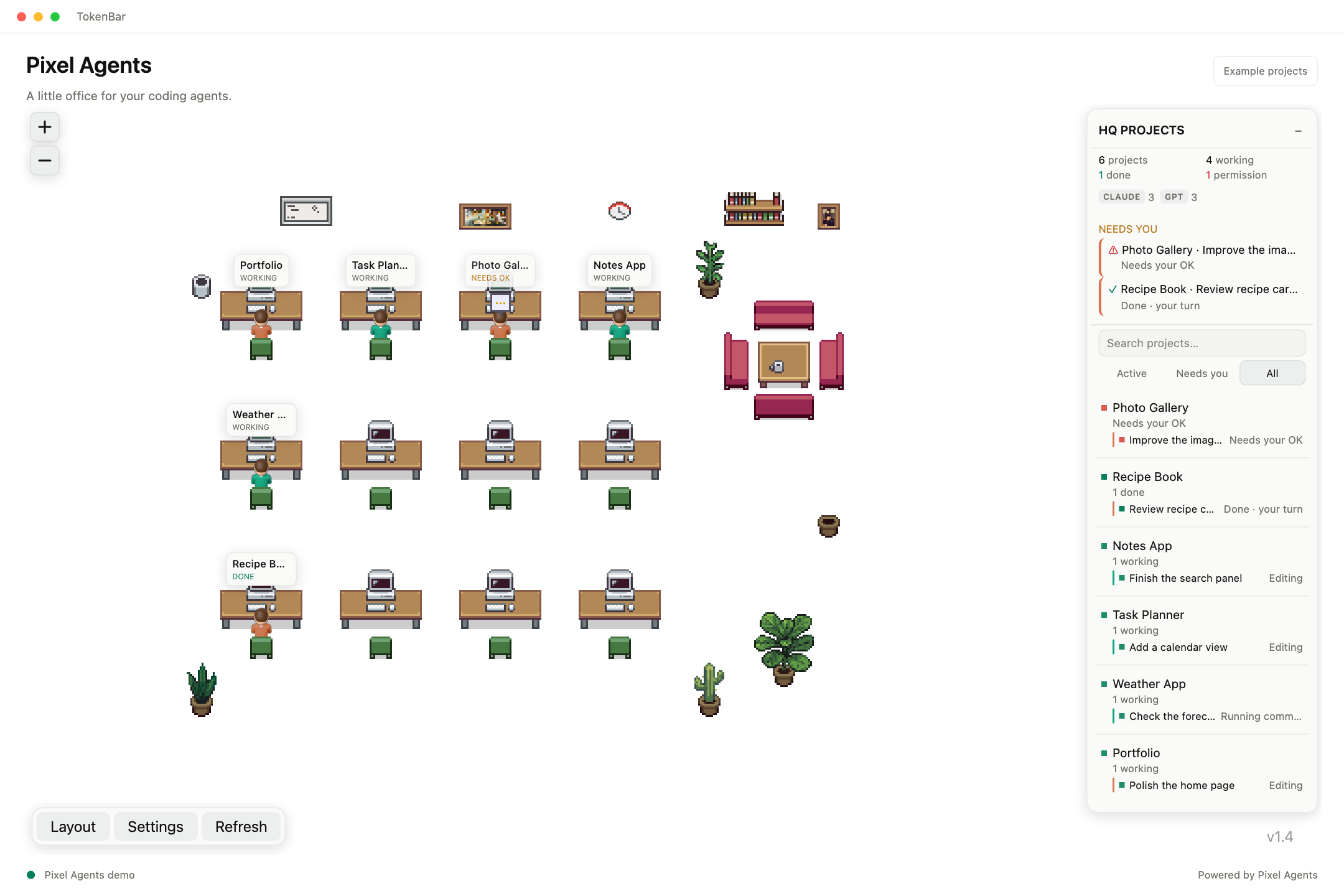
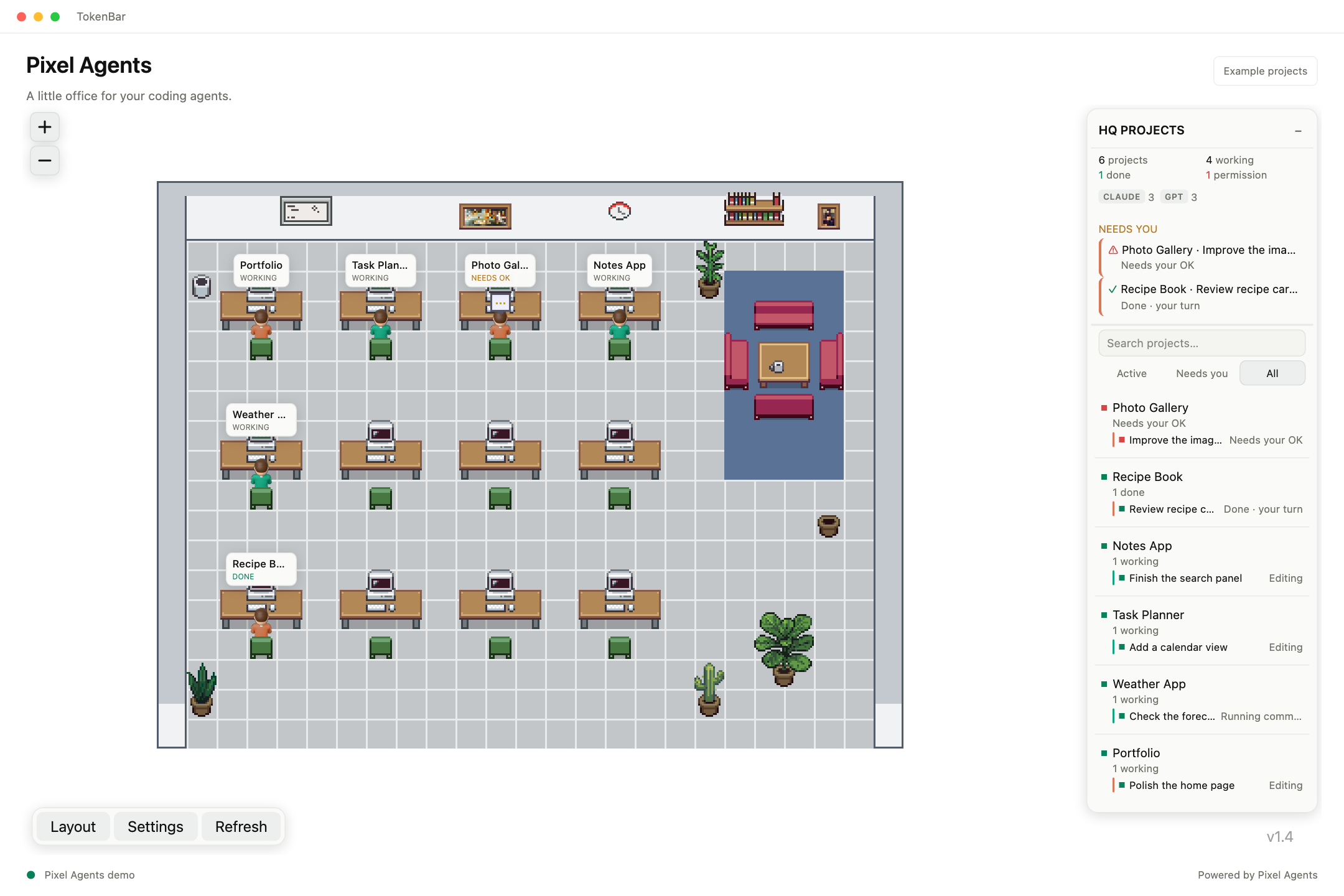
The office follows TokenBar’s light or dark appearance. Use Background to choose how much of the room you see, from a seamless workspace to the full pixel art office.
GET YOUR OFFICE READY
Pixel Agents is powered by a local Pixel Agents installation. You’ll need its built standalone app and Node.js 20 or newer. Session coverage depends on the installed version and configured coding-tool integrations.
Download the DMG, drag TokenBar into Applications, and open the app.
Open Pixel Agents in TokenBar. If prompted, use Choose Folder to select your built Pixel Agents installation.
Configure the supported coding-tool integrations in Pixel Agents, then open a session. Reconnect from TokenBar if needed.
THERE’S MORE TO SEE
Usage, spending, system load, and a little office for your agents.