THE TOKENBAR GALLERY
A closer look.
Every little detail.
From your first glance at usage to a whole office of pixel agents. Explore the views that make TokenBar feel at home on your Mac.
08 VIEWS / ONE MAC APP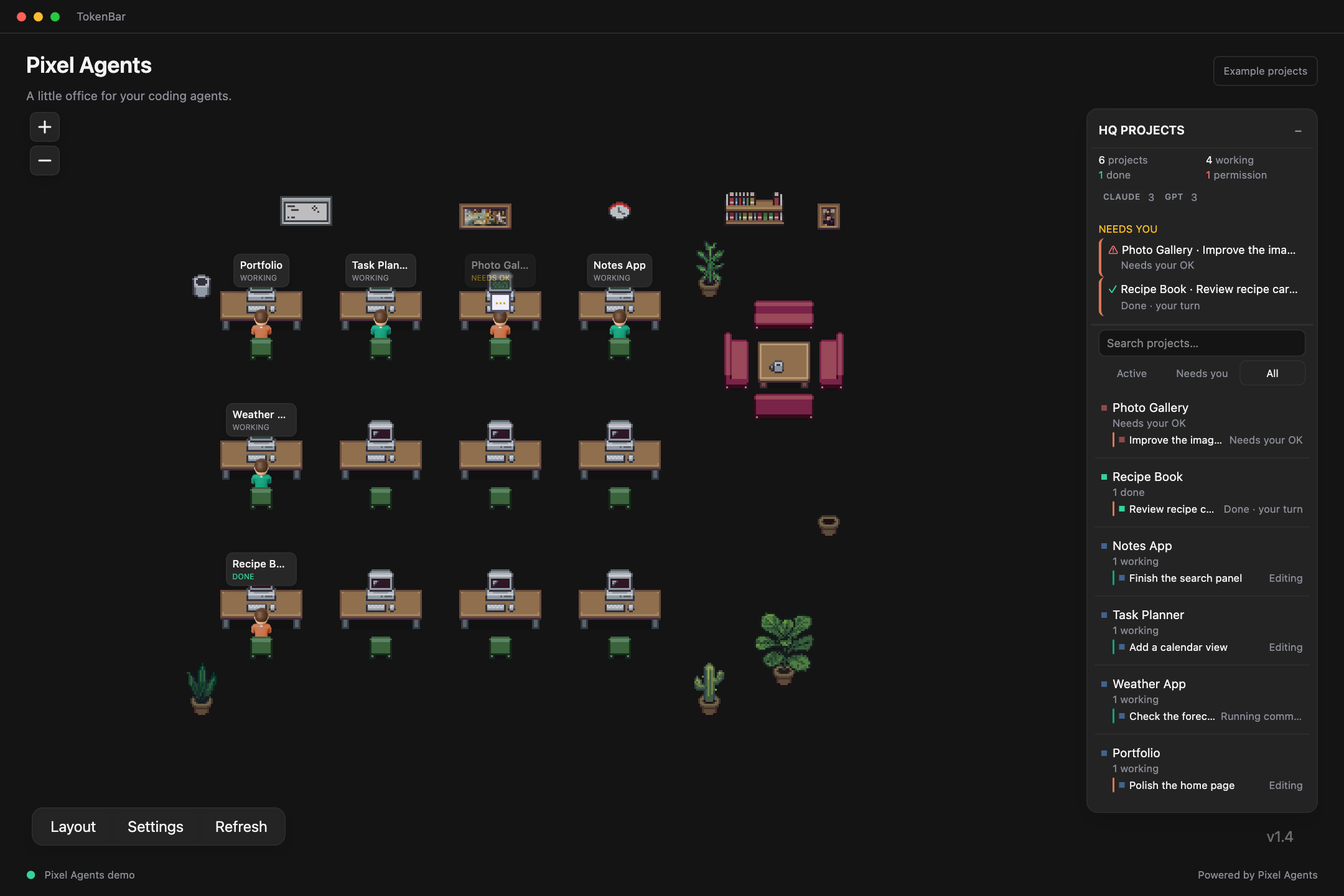
A little office for your coding agents.
Watch supported coding sessions come to life at their desks. The project sidebar puts working agents, completed turns, and requests for approval in one place.
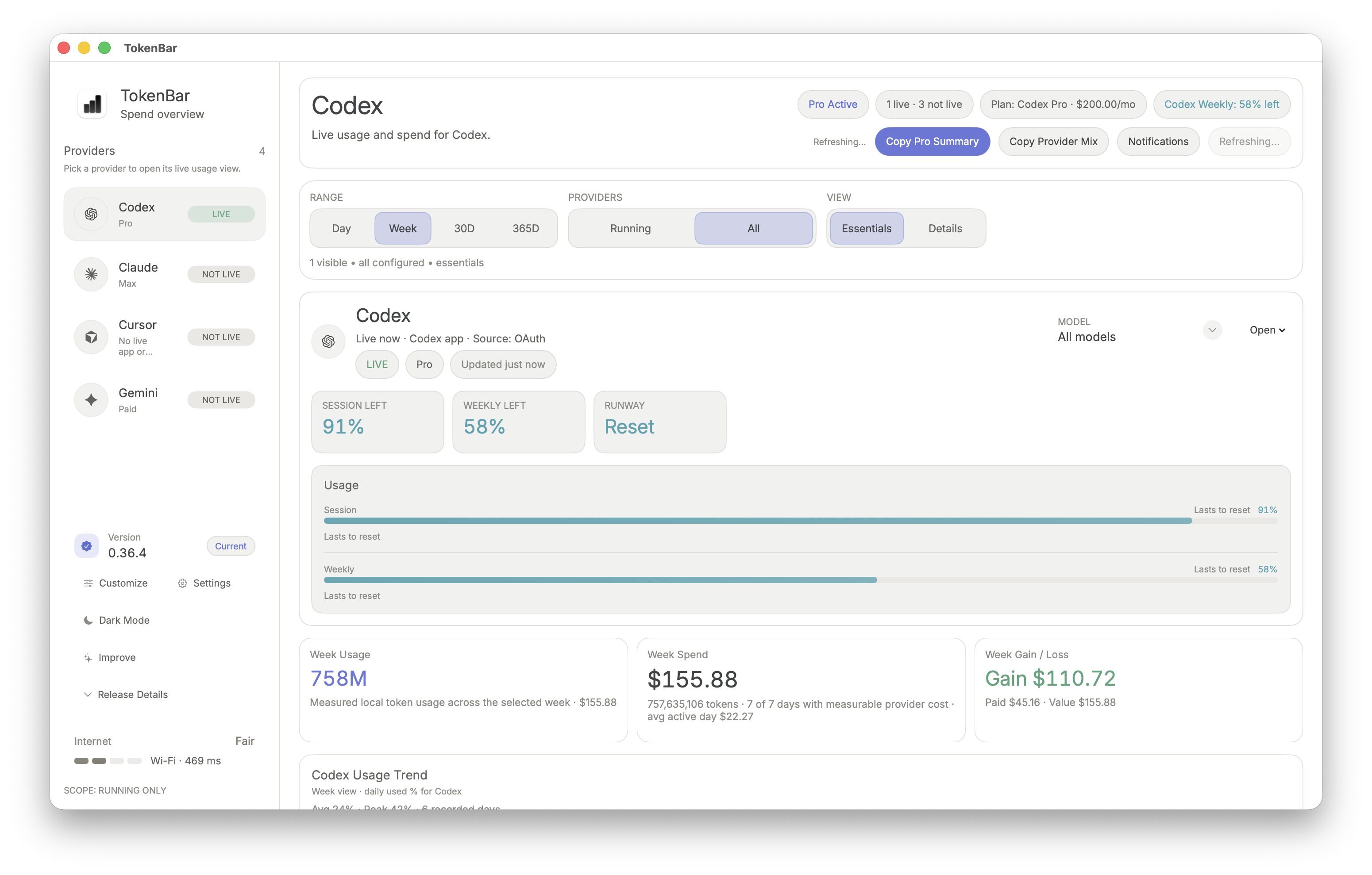
Know what’s left. See what resets next.
The Codex dashboard brings session and weekly allowances together with token totals and available cost history. Coverage depends on the connected provider.
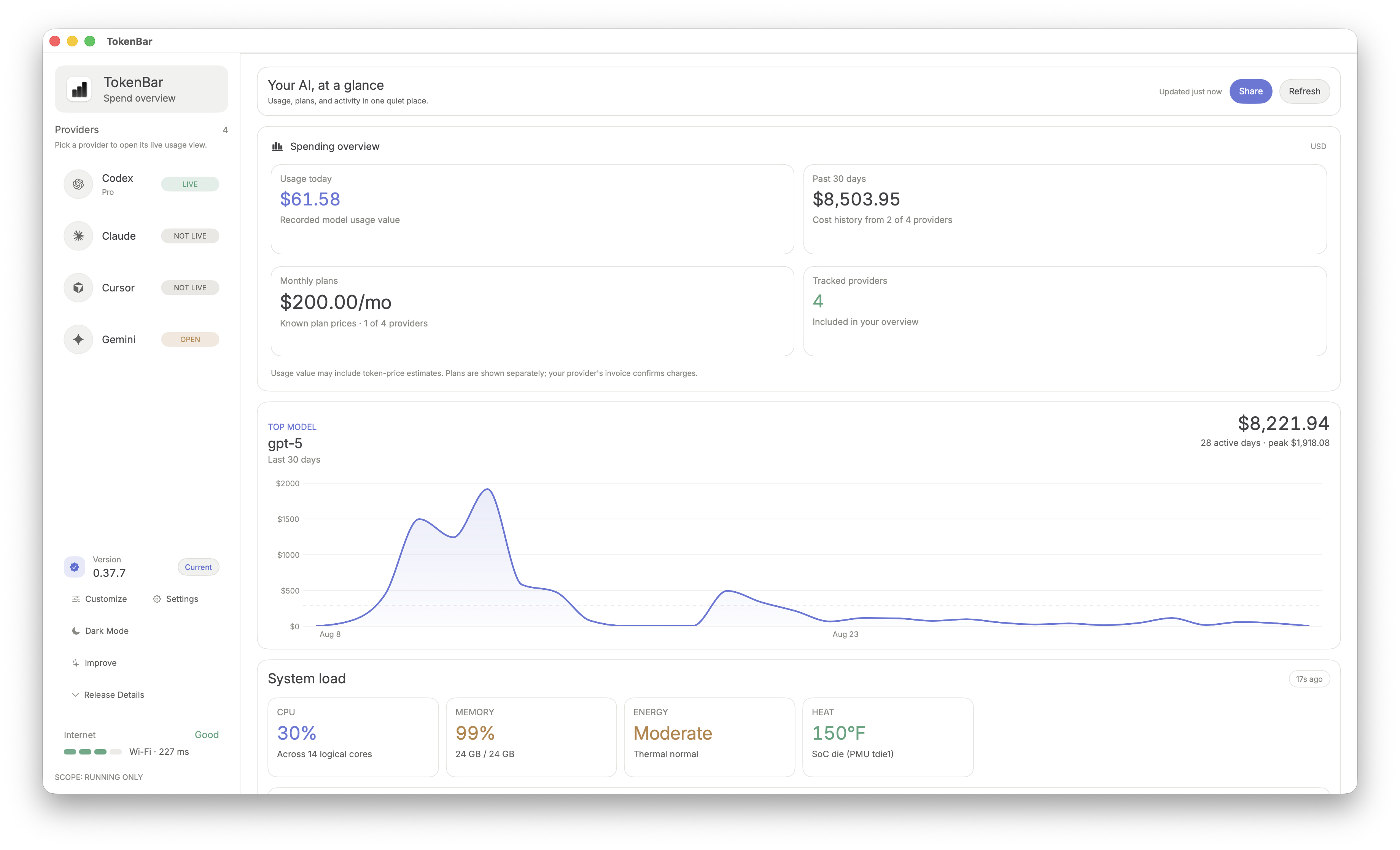
Your AI spending, in perspective.
Compare recorded model usage value, available cost history, and monthly subscription prices. Token-price estimates and subscription charges are shown separately.
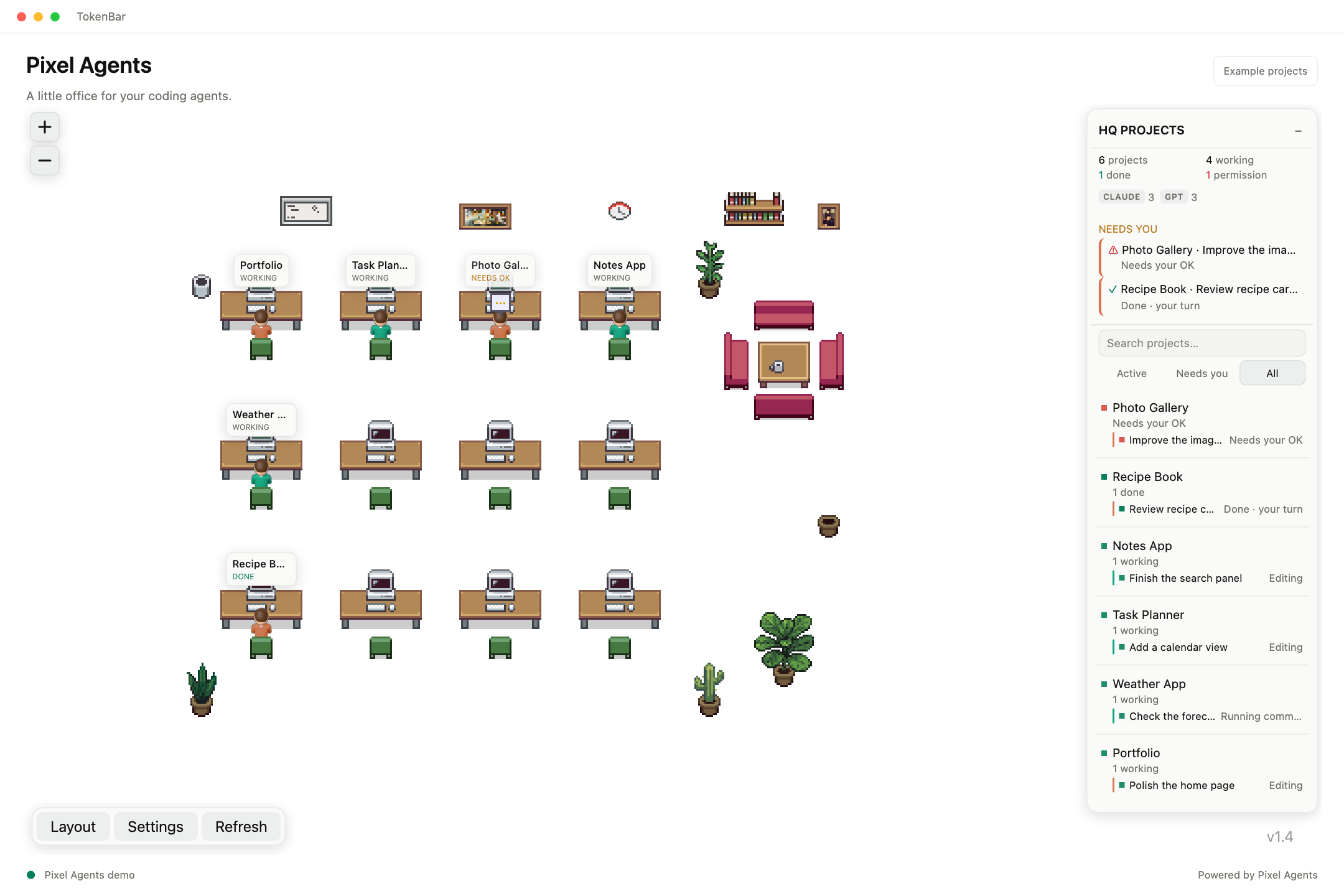
A lighter place to work.
The embedded office follows TokenBar’s appearance. In light mode, a seamless background keeps the agents and their activity in focus.
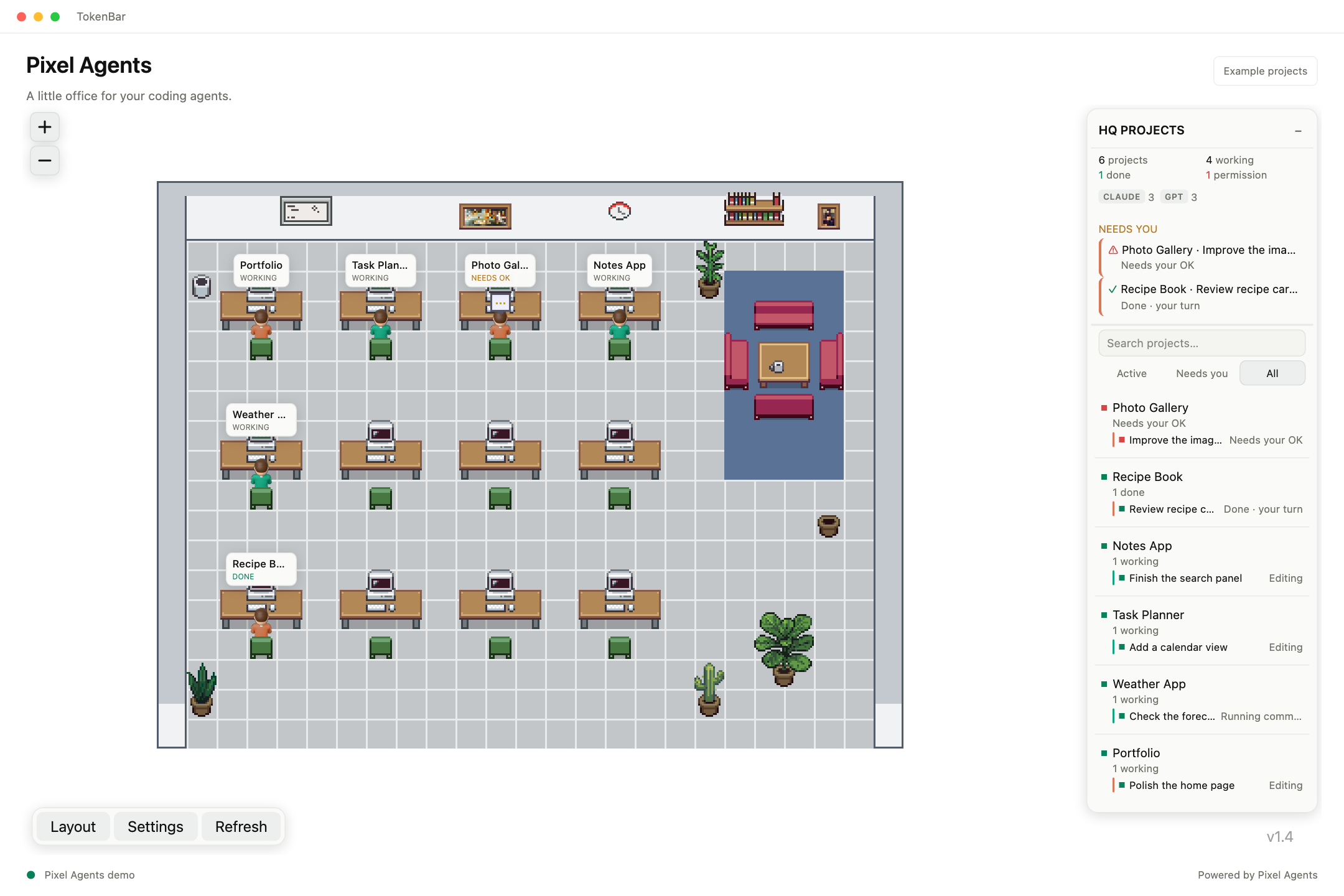
Make room for a little personality.
Use the office background control to move from a seamless view to the full pixel art room, with desks, furniture, and a workspace for each agent.
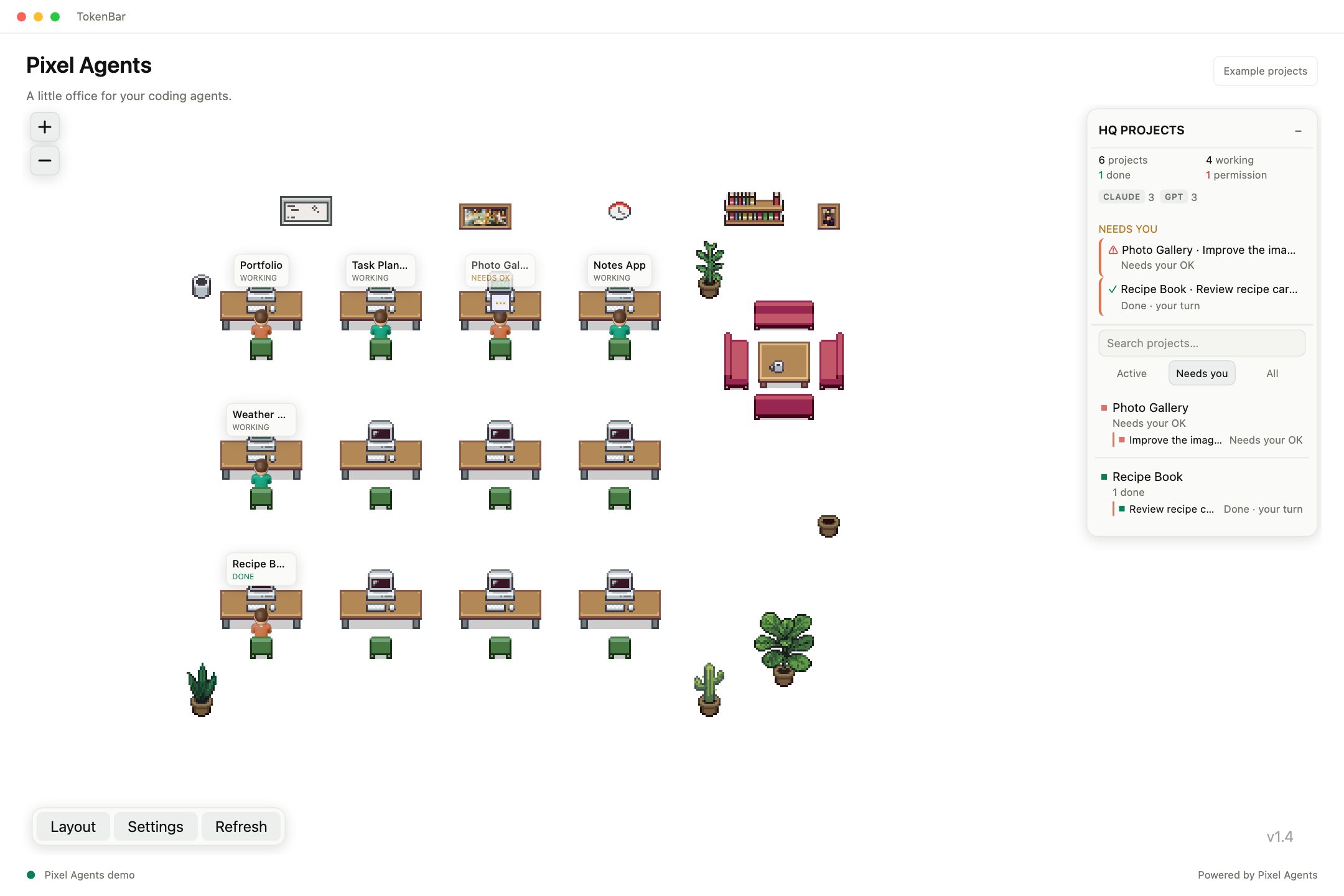
See when it’s your turn.
The attention view brings completed turns and approval requests forward, so you can find the sessions that need a response.
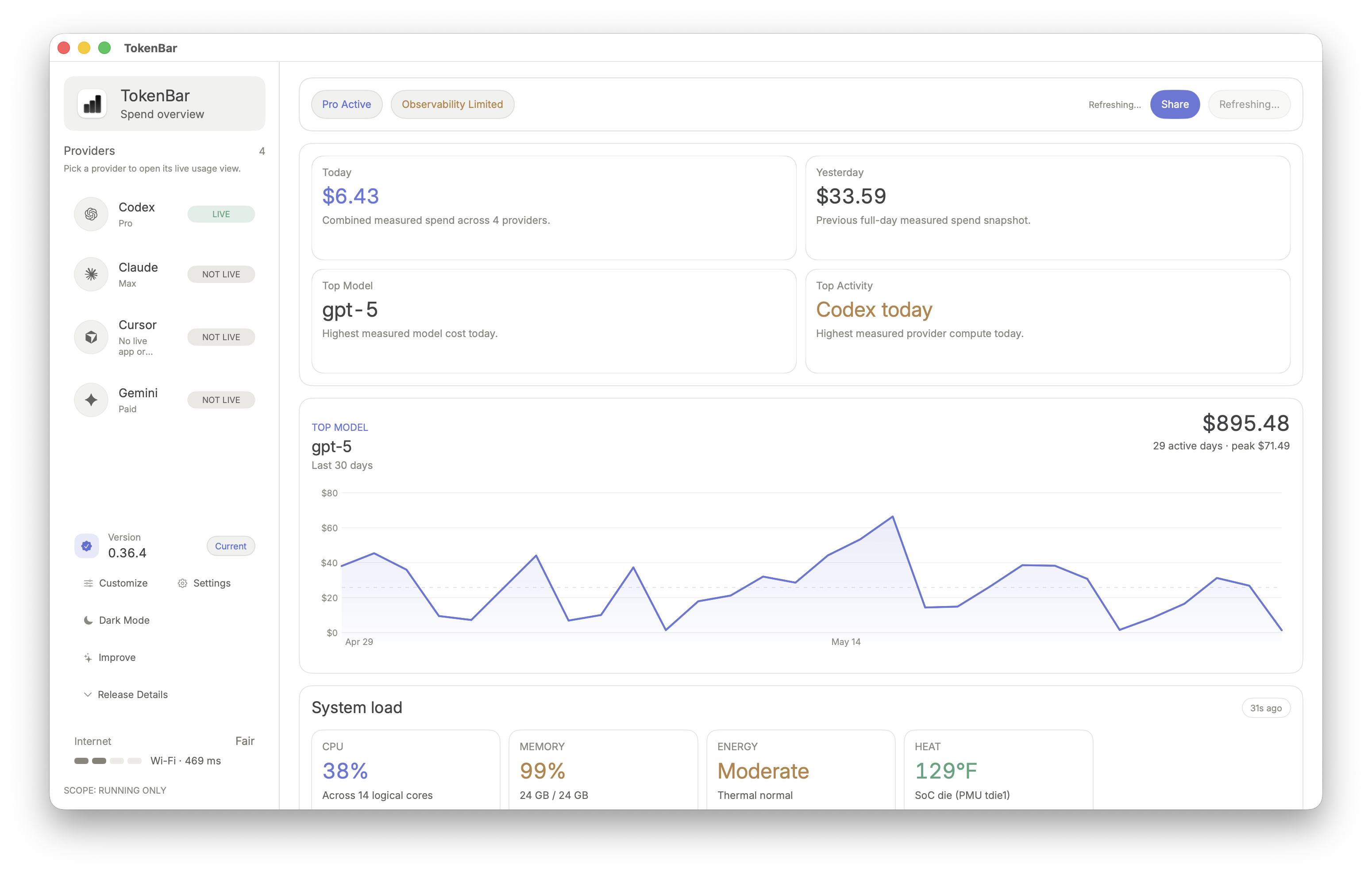
The machine behind the work.
Check CPU, memory, energy pressure, and heat alongside AI usage. System context helps explain how a busy workflow is affecting your Mac.
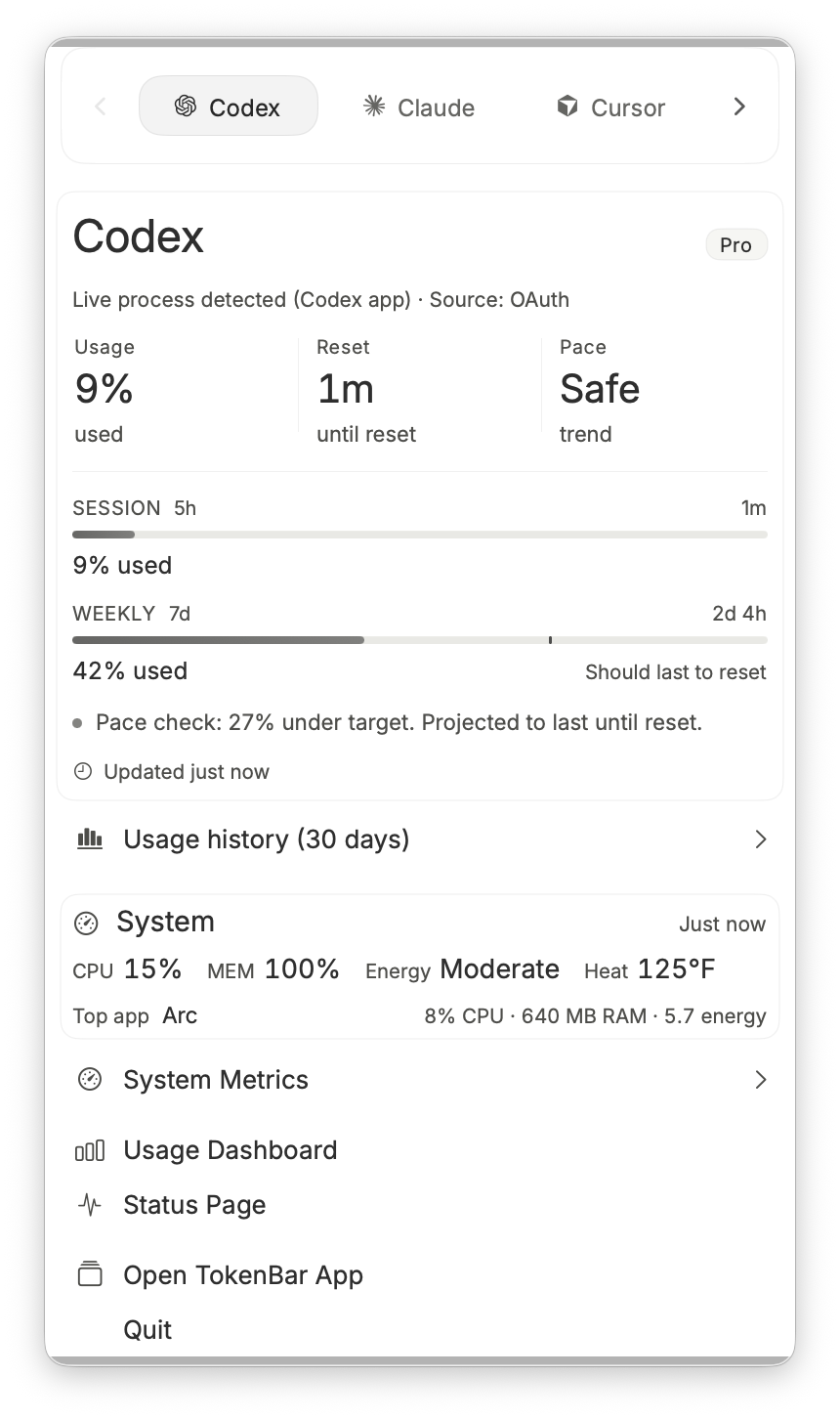
The useful details, a click away.
Open TokenBar from the macOS menu bar for usage, reset timing, pace, and a quick system summary without leaving your current workspace.
LOOKS EVEN BETTER ON YOUR MAC.
Make it part of your day.
Pixel Agents demos use fictional project names and activity. App screenshots show example usage; available metrics vary by connection.